Watching the Premier League on IPTV in the UK: My Match-Day Setup
Updated 19 July 2026 · A UK football fan's real setup, not a sales pitch
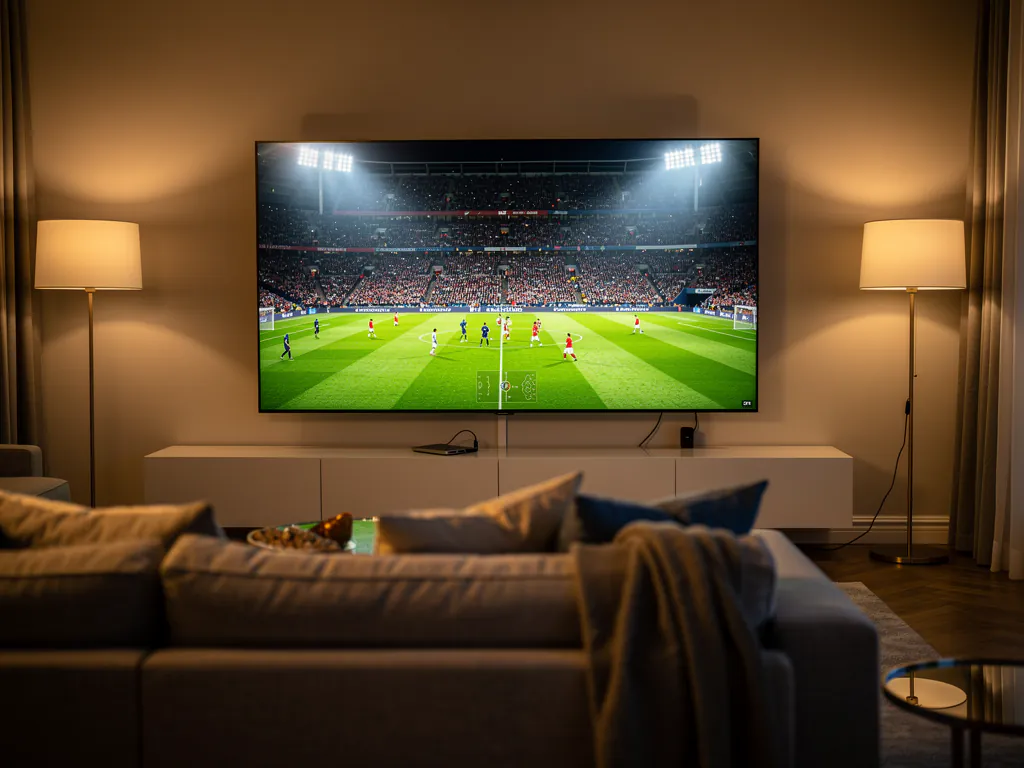
If you have landed here, I am going to guess you are in the same spot I was a couple of seasons back. You support a team, you want to watch the matches that are not on your current package, and the cost of stacking Sky Sports on top of TNT Sports on top of your broadband has got silly. I started digging into IPTV to fill the gaps, and after plenty of dead subscriptions and one vanished box seller, I landed on a setup that actually works on match day. This is the full walkthrough, warts and all.
If you are brand new to all of this and want the broader picture first, I wrote a full guide to picking an IPTV service in the UK that covers the lifetime-box scam, the fake 4K problem, and the basics. Think of this page as the deep dive for football specifically, because the Premier League has its own set of traps that general guides skim over.
What you actually need to stream Premier League matches
The single biggest mistake people make is treating all IPTV as equal. It is not. For Premier League streaming you are looking for a service that carries the actual UK broadcast channels, in proper quality, on a server that does not fold the second a big game starts. Here is my honest checklist before I trust a service with a match.
| What I check | Why it matters for football |
|---|---|
| Sky Sports Main Event and Sky Sports Premier League | These carry the bulk of the live fixtures, so a service missing them is a non-starter |
| TNT Sports (the old BT Sport channels) | Picks up the matches Sky do not have, plus midweek and European nights |
| The 3pm Saturday kickoffs | Not shown live on domestic UK terrestrial TV, so this is where IPTV earns its keep |
| Peak-time stability | A feed that works at 2am but buffers at 5:30pm on a Saturday is worthless to a football fan |
| Full-quality feed, not a low-bitrate mirror | Some services carry the channel name but feed you a washed-out copy that goes blurry on fast motion |
That last row is the sneaky one. A service can list Sky Sports Premier League on its channel grid and still hand you a feed that looks like a phone video of someone else's telly. You only catch it by watching a real match with the camera panning across the pitch. If the grass blurs and the players smear every time the ball moves quickly, you have a low-bitrate mirror, not the real feed.
The channels that carry the Premier League in the UK
People ask me constantly which channels they need, so here is the honest breakdown of who shows what. The Premier League rights are split between Sky Sports and TNT Sports each season, and neither has the full set, which is exactly why a package that bundles both beats paying for them separately. You can confirm the full live channel list for yourself on our channels page before you do anything else.
| Channel | What you watch there |
|---|---|
| Sky Sports Main Event | The flagship pick for the biggest match of the weekend |
| Sky Sports Premier League | Dedicated top-flight football channel, most fixtures |
| Sky Sports Football | EFL, lower league, and cup coverage |
| TNT Sports 1 and 2 | The fixtures Sky do not have, plus some European nights |
| BBC and ITV | Highlights shows and selected cup matches |
One thing worth saying plainly. The Saturday 3pm blackout is a real UK broadcasting rule that stops live domestic coverage of matches kicking off at that time. IPTV services that carry foreign feeds of those same games are not something I will pretend is risk-free, because the legal position is genuinely murky and it is your call how comfortable you are with it. What I will say is that a properly run UK-focused service gives you the Sky and TNT matches legally and in good quality, which already covers the vast majority of what most fans want to watch.
The dealbreaker: buffering at kickoff
Here is where most services fall apart and most fans give up. Everything runs beautifully on a quiet Tuesday afternoon. Then Saturday evening rolls around, a big match kicks off, half the country logs in at once, and the stream turns to a slideshow of frozen frames right when the action heats up. I have been there, and the frustration of watching the wheel spin at the exact moment someone is through on goal is something you do not forget.
The root cause is nearly always peak load. Cheap or oversold servers cannot handle the surge of everyone streaming the same big game at the same time, and on top of that some UK ISPs throttle heavy traffic on match nights. The good news is that a fair chunk of it is fixable on your end before you even blame the provider.
- Go wired if you possibly can. An ethernet cable into your Firestick or box beats WiFi every single time for live streams, and it is the one fix that makes the biggest difference.
- If WiFi is your only option, use the 5GHz band, not the crowded 2.4GHz one your neighbours are all sitting on.
- Try a VPN on match nights. If your ISP is throttling the stream, a VPN can sidestep it. It is not magic, but it fixes a surprising number of mystery buffering cases.
- Clear the app cache before a big game so nothing stale is sitting in the way of a clean stream.
- Close other heavy downloads in the house during kickoff. A housemate pulling a huge update will eat the bandwidth your match needs.
The one thing you cannot fix yourself is the provider's peak capacity. If their servers are oversold, no amount of wiring or VPN trickery on your end will save it. That is precisely why you test during a real match and not on a random weekday. If you want the deeper diagnosis of why streams collapse at peak time, the buffering section of my main UK guide walks through the full troubleshooting ladder.
My match-day setup, step by step
This is the exact setup I use to watch Premier League matches, and it is the one that repeatedly gets described as "just worked" by people who have been through the mess of dodgy boxes and forum links. The path is genuinely simple once you have a real service.
- Plug a streaming stick into the TV. A Fire TV Stick 4K is what I use, plugged into an HDMI port and powered properly, not limping on a weak USB port on the telly.
- Install a player app. For most services this is an IPTV player that accepts an Xtream Codes login, which is just a server address, a username, and a password from your provider.
- Enter your line details. Type them in carefully. A single mistyped character will leave you staring at an empty channel list and thinking the service is broken when it is just the login.
- Find the football channels. Search for Sky Sports Premier League and TNT Sports, and favourite them so you do not have to hunt on match day.
- Test on a live game, not a replay. Load an actual match at peak time and watch right through the tense final ten minutes. That is the only test that counts.
If a service tries to make this process feel like a hacking tutorial, with weird APK files from a stranger and firmware flashing, treat that as a warning sign and walk away. The setups that work are the boring, simple ones, and you can see the full setup walkthrough if you want every click spelled out.
The trap that catches new football fans
Almost every football fan I have spoken to has the same first story. A mate, or a bloke on Facebook, sells them a "fully loaded" box for around ninety euros with every channel and lifetime access. It works for a few weeks. Then one match day, everything vanishes. The subscription has expired, the channel list is empty, and when you message the seller, he has disappeared. No reply, no refund, and a useless box gathering dust.
Lifetime IPTV is not a real thing. The streams behind it cost real money to run every single month, so a one-off payment for forever access is a promise no seller can keep. He either burns through the money, gets shut down, or simply pockets the cash and goes quiet. A recurring monthly subscription sounds worse on paper but is actually safer, because the provider has to keep delivering every month to keep your money. That is accountability, and a vanished seller has none of it.
Test it on the next match, then decide
Grab a 24-hour free trial with no credit card. Load it on your Firestick, pick the next big Premier League game on your own broadband, and watch it all the way through. If it holds at kickoff, you keep it. If it stutters, you walk away having paid nothing.
Start My 24-Hour Free TrialHow to actually test before the next big game
This is the part most guides skip, and it is the reason so many people end up burned. You do not find out whether a service is any good by reading a review or counting channels. You find out by watching a match on it. So pick the next fixture you actually care about, set up the trial before kickoff, and run it through its paces in real conditions.
| What to watch for | What good looks like |
|---|---|
| First five minutes | Stream loads fast and the picture is sharp, not soft or pixelated |
| Through a goal or a fast break | The motion stays clean instead of smearing into a blur |
| Half time, when everyone checks their phones | No sudden drop in quality or random freeze as traffic spikes |
| The final tense ten minutes | Rock solid, no buffering wheel, no reconnecting right at the climax |
If a service clears all four of those, you have a genuinely good match-day stream. If it fails even one, you have saved yourself a wasted month of subscription by finding out for free. You can see exactly what a plan costs on the pricing page, and it is one flat number with no separate sports tax bolted on top.
The honest bottom line
Streaming the Premier League on IPTV in the UK is completely doable, and once it works it genuinely changes how you watch football. No more picking and choosing which matches your package covers, no more missing the 3pm game, and no more paying through the nose for channels you barely use. The only catch is that you have to judge a service on how it performs during a real match, not on a channel count or a flashy review.
So here is my genuine advice in one line. Get a free trial, set it up before the next big game, watch the whole ninety minutes on your own broadband, and let the stream make the argument for you. If it holds up at kickoff when everyone is watching, that is your answer. If it folds, you have lost nothing and learned everything you needed to know.