IPTV Buffering During Football Matches: The Fix That Actually Worked
Updated 21 July 2026 · A UK football fan's real diagnosis, not a sales pitch
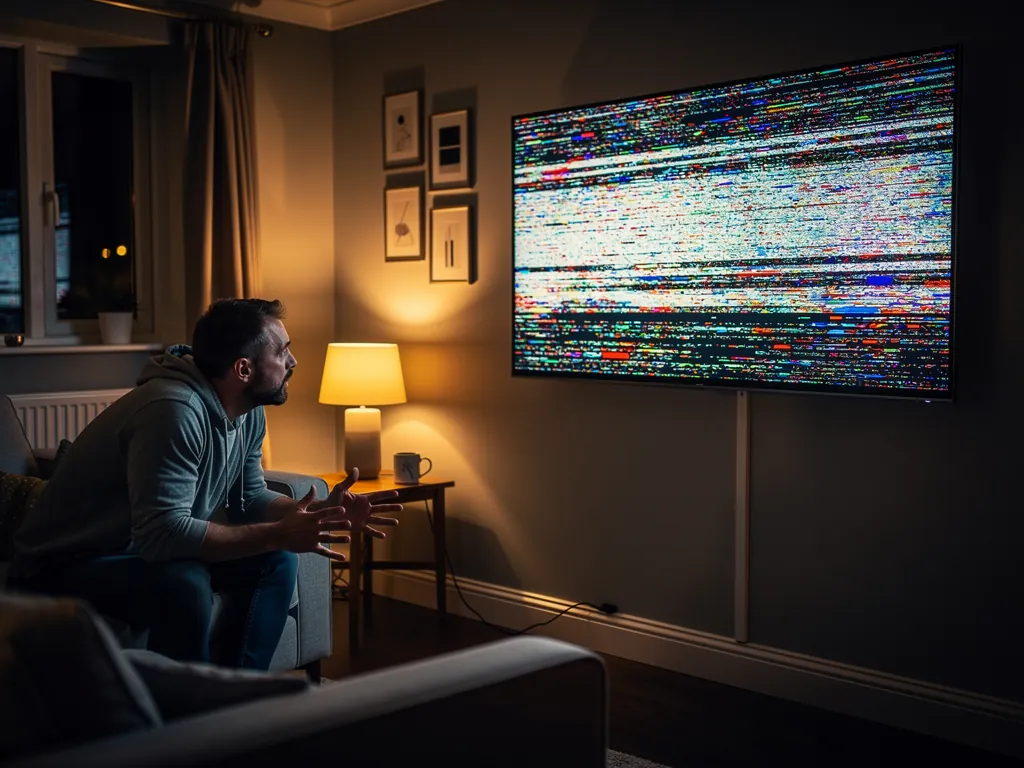
If you have landed on this page mid-match with the spinning wheel of doom on your screen, I know exactly how you feel. I spent the better part of two seasons convinced my broadband was the problem every time my stream froze at kickoff. I upgraded my line, bought new WiFi kit, and still sat there watching the frame stutter right as someone went through on goal. It took me ages to work out that IPTV buffering during football has a handful of very specific causes, and most of them have nothing to do with how fast your internet is.
This page is the full diagnosis I wish I had read back then. If you are new to IPTV generally and want the wider context first, the lifetime-box trap and the fake 4K problem are covered in my complete UK IPTV guide. Think of this article as the deep dive on the single problem that ruins match night, because buffering at kickoff is the exact moment most people give up and assume the whole thing is a scam.
Why IPTV buffers during football matches (and not at 2am)
The pattern is so common it has almost become a joke in the forums. Your stream runs flawlessly on a Tuesday afternoon. You load up a random channel at lunchtime to test it, the picture is perfect, and you think you are sorted. Then Saturday evening arrives, a big Premier League fixture kicks off, half the country logs in at once, and your beautiful stream turns into a slideshow of frozen frames right when the match heats up.
The root cause is peak load, and it is the single biggest thing that separates a service worth keeping from one that will drive you mad. Cheap or oversold servers simply cannot handle the surge of thousands of people streaming the same big game at the same instant. Their capacity is shared across too many subscribers, so the moment real demand hits, everyone's feed degrades together. No amount of kit on your end fixes a provider that has sold the same seat ten times over.
Here is the honest breakdown of what is usually happening, in rough order of how often I have seen each one cause trouble on UK broadband.
| Cause of match-night buffering | How often it is the real culprit |
|---|---|
| Oversold provider servers folding at peak load | The number one cause, and the one nobody tells you about |
| WiFi on the crowded 2.4GHz band | Extremely common, and the easiest thing to fix yourself |
| ISP throttling heavy streaming traffic at night | Happens on some UK lines, fixable with a VPN |
| A weak USB power port starving the streaming stick | Sneaky one that causes random freezes under load |
| Another device in the house eating the bandwidth | A housemate's big download at kickoff |
Notice what is not on that list. Raw broadband speed barely appears, because a clean 1080p IPTV feed needs well under 15 Mbps, and almost every UK line delivers that comfortably. People panic and upgrade from a 35 Mbps package to a 150 Mbps one expecting the buffering to vanish, and it does not, because the speed was never the bottleneck. The bottleneck is either how the signal reaches your stick or how many people the provider has crammed onto one server.
The home fixes that actually stop the freezing
Before you blame the provider, run through this list. I would guess that for roughly half the people reading this, the buffering disappears entirely once these are sorted, because the provider was never the problem. These are all things I did myself, in this order, and each one made a measurable difference on match night.
- Plug in an ethernet cable. I cannot stress this one enough. A wired connection from your router straight into your Firestick or box beats WiFi every single time for live streams. If your stick has no ethernet port, a cheap USB ethernet adapter does the job. This single change fixed more of my buffering than everything else combined.
- If WiFi is your only option, switch to 5GHz. The 2.4GHz band is the one every neighbour and their smart kettle sits on, so it gets congested exactly when you need it. The 5GHz band has more room and far less interference for streaming.
- Try a VPN on match nights. Some UK ISPs throttle heavy streaming traffic in the evening, and the symptom looks identical to bad buffering. A VPN hides the traffic type from the ISP and sidesteps the throttle. It is not magic, but it clears up a surprising number of mystery freezes.
- Clear the app cache before kickoff. Stale cached data can make a player app sluggish under load. Clearing it gives the stream a clean run at the match.
- Pause every big download in the house. A console pulling a 40 GB update or a housemate streaming 4K Netflix in another room will absolutely eat the bandwidth your match needs. Check before kickoff, not during it.
- Power your stick properly. A lot of people plug their Firestick into a weak USB port on the TV instead of the supplied mains adapter. Under load the stick starves for power and the stream stutters. Use the wall plug it came with.
Run through those and then test again on a live match. If the freezing is gone, brilliant, you just fixed your own match night. If it still buffers at kickoff with a wired connection and no other downloads running, you have ruled out your side entirely, and the problem is sitting squarely with the provider.
The one cause you cannot fix yourself
Here is the part most guides gloss over, because it is uncomfortable for anyone selling IPTV to admit. If the provider has oversold their servers, no ethernet cable, no VPN, and no broadband upgrade on your end will save the stream. The server is the bottleneck, and when ten thousand people hit it at kickoff, everyone on that server gets a degraded feed at the same moment.
This is exactly why the test that matters is a real match at peak time, not a Tuesday afternoon channel check. A cheap service will sail through a quiet test and collapse the second it counts. The only way to tell the difference is to put it under real pressure. I learned this the expensive way, after paying for a service that looked flawless in testing and froze solid the first time I trusted it with a game I actually cared about.
The providers worth keeping are the ones that invest in real capacity for peak load, even when it is expensive to run, because they know their reputation lives or dies on Saturday night. You cannot see server capacity on a spec sheet. You can only feel it when the match starts.
What good looks like at kickoff
Once you have a provider that can actually handle the load, match night stops being stressful and starts being, honestly, brilliant. Here is what a genuinely solid stream feels like through the moments that used to break my old setups.
| The moment that used to buffer | What a solid stream does instead |
|---|---|
| Right at kickoff, when everyone logs in | Loads fast and stays sharp, no freeze as traffic spikes |
| A fast counter-attack or a long ball | The motion stays clean instead of smearing into a blur |
| Half time, when phones come out everywhere | No quality drop or random stutter as the network shifts |
| The tense final ten minutes | Rock solid, no wheel, no reconnecting at the climax |
If a stream clears all four of those moments, you have a keeper. If it fails even one of them under real match conditions, you have saved yourself a wasted month by finding out before you paid.
Test it on the next match, then decide
Grab a 24-hour free trial with no credit card. Load it on your Firestick before the next big Premier League game, watch it wired, and put it through kickoff and the final minutes on your own broadband. If it holds solid, you keep it. If it freezes, you walk away having paid nothing.
Start My 24-Hour Free TrialHow I diagnosed mine, step by step
This is the exact sequence I now run whenever a stream starts acting up, and it pinpoints the cause in about ten minutes instead of the weeks I used to waste guessing. Work through it in order and stop at the first one that fixes it.
- Run a wired speed test. Plug straight into the router and test. If the wired speed is healthy, well above 15 Mbps, and the WiFi still buffers, your broadband is not the problem. Move on.
- Switch to 5GHz or full ethernet for the match. If the buffering vanishes here, you have found it. Congested 2.4GHz WiFi was the culprit.
- Turn on a VPN and load the same channel. If the stream smooths out, your ISP was throttling. If it makes no difference, rule that out.
- Check the power source on your stick. Swap to the mains adapter if you were on a TV USB port, and retest under load.
- Test on a different channel or provider. If one match freezes on your service but a free test of another stays solid, the problem is the original provider's servers, not your home.
If you reach step five and your current service is the one folding at kickoff while a free trial glides through, you have your answer written in plain English. The fix is not new kit. The fix is a provider with real peak capacity. You can see exactly what a plan costs on the pricing page, and it is one flat figure with no separate sports tax on top.
Stop blaming your broadband
The biggest lesson I took from all of this is that I had been pointing the finger at the wrong thing for ages. My broadband was fine. My WiFi setup was partly to blame, sure, but the recurring villain was a provider that simply could not handle a Saturday night. Once I separated the home fixes from the provider problem, match night stopped being a gamble.
So here is my genuine advice in one line. Run the wired test, clear your own side of the list, then put a free trial through a real match on your own broadband and let the stream make the case for itself. If it holds at kickoff when everyone is watching, that is your answer. If it folds, you have lost nothing and you finally know where the problem was.