Real 4K IPTV in the UK vs Fake Upscaled Feeds: How I Learned to Tell
Updated 31 July 2026 · The most abused word in IPTV, tested on my own telly
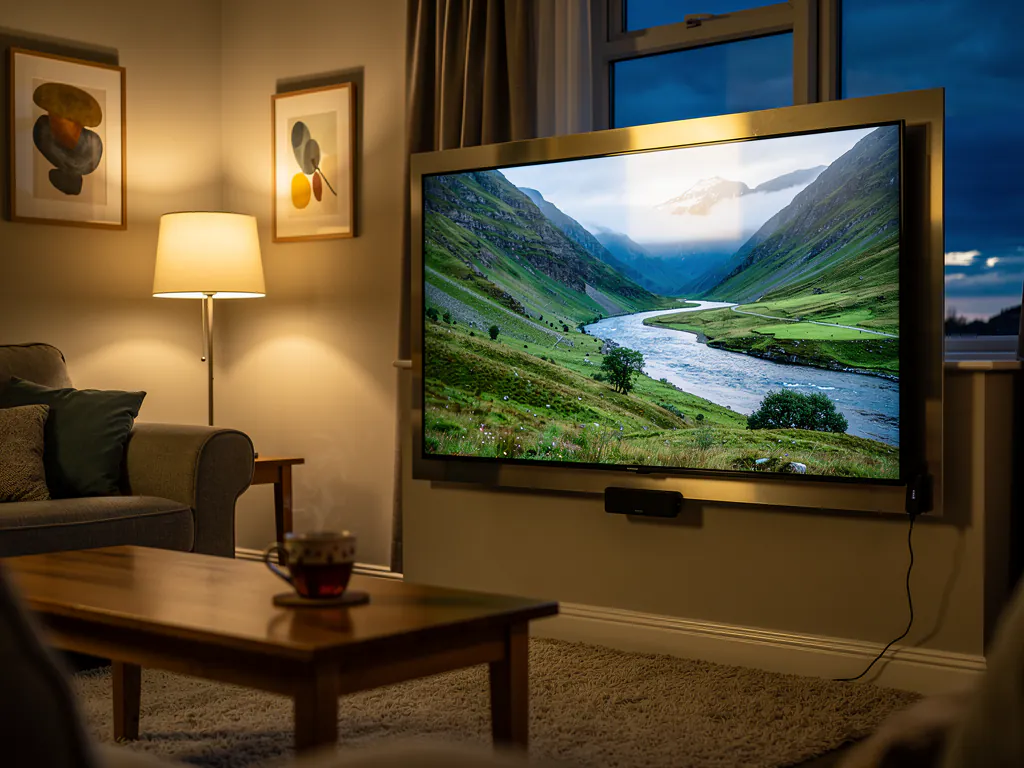
Ask a room full of IPTV buyers what sold them and half of them will say the same word: 4K. It is plastered across every seller's channel list, every Facebook post, every "fully loaded" box listing. And after burning through more subscriptions than I care to admit, I can tell you it is the single most abused word in this entire market. Most of what gets sold as 4K IPTV in the UK is nothing of the sort. This guide is how I learned to spot the difference, and how you can check any service yourself before handing over money.
If you are still at the stage of picking a service at all, start with my complete UK IPTV guide first. This page assumes you have a candidate in mind and want to know whether its "4K" claim survives contact with your actual television.
What "4K" usually means on an IPTV channel list
Here is the uncomfortable truth. When a provider's list says a channel is 4K, it can mean three very different things, and only one of them is honest.
| What the badge claims | What you are often actually getting |
|---|---|
| Real 4K | A genuine 3840 x 2160 source feed, captured and delivered in 4K. Rare, and glorious when you find it. |
| Upscaled 4K | A 1080p or 720p feed stretched to fill a 4K frame. The badge is technically "4K output" but the detail was never there. |
| Re-badged HD | A standard HD channel renamed with "4K" in the EPG label. No upscaling at all, just a lie in the channel name. |
The middle row is the one that catches most people, because it is the hardest to call out. The seller is not strictly lying about the output resolution, and on a smaller screen or from across the room it can look decent. But upscaling is a guess. The player invents pixels to fill the gaps, and invented pixels are never as good as real captured detail. Sit close to a 55-inch or 65-inch TV and the guesswork shows.
Why upscaled feeds fall apart during football
Football is the harshest possible test for video quality, which is why sports fans notice the 4K con first. A football broadcast is a nightmare of fast motion: the camera pans constantly, the ball moves at speed, and twenty-two players cross the frame in strips of colour. Compressing that into a low-bitrate feed and then stretching it to 4K produces the exact symptoms people complain about in every IPTV forum I read.
- The pitch smears. On a pan, the grass turns into a green blur with no texture, like someone dragged a wet brush across it.
- The ball ghosts. Fast shots and long passes leave a faint trail because the low source frame rate cannot keep up with the motion.
- Numbers and names go soft. Shirt numbers that are crisp in a close-up dissolve into blobs in a wide shot, because that fine detail was never in the source.
- Fast breaks turn blocky. Right at the moment of a counter-attack, macroblocks crawl across the screen. Peak load plus a weak feed is the worst combination there is.
That last point matters more than people realise. Even a genuine 4K source falls apart if the provider's servers are oversold, because peak-time load forces the bitrate down. Saturday kickoff is when every weakness shows at once. If your stream collapses at kickoff but looks fine on a Tuesday, that is a capacity problem, and my guide to fixing buffering during football matches walks through that diagnosis step by step.
My ten-minute test for spotting fake 4K
You do not need any equipment for this beyond your own telly and your own eyes. This is the exact routine I run on every new service, and it has never failed to sort the real feeds from the costumes.
- Find a detail-rich channel. A nature documentary channel is perfect. Landscapes, animal fur, flowing water. If the service has none, a wide shot of a football pitch works too.
- Pause on a wide shot. Do not judge motion first. Freeze the frame on something with lots of fine distant detail.
- Look at the fine texture. On real 4K, individual blades of grass texture, leaves on distant trees and ripples on water stay distinct. On upscaled feeds those areas are soft, waxy and slightly smeared.
- Check the far-off text. Advertising hoardings at the far end of a pitch, road signs in a documentary, shopfront lettering in a drama. Real 4K keeps them readable. Upscaling turns them to soup.
- Check the stream info if your app has it. Many player apps show the actual stream resolution and bitrate. A channel labelled 4K reporting 1920 x 1080 is upscaled by definition. Screenshot it, because that is your evidence.
- Then un-pause and watch fast motion. A fast break or a camera pan. If the detail you saw in the freeze frame dissolves the moment anything moves, the source bitrate is too low regardless of the resolution number.
The whole thing takes ten minutes and requires zero technical knowledge. Your eyes are the instrument. A 4K TV does not fix a weak source; it just shows you the weakness bigger.
What real 4K actually needs from your setup
Say the service passes the test and the feed is genuine. You still need your own side of the fence to be solid, or you will blame the provider for problems your living room is causing.
| Requirement | The honest minimum |
|---|---|
| Broadband speed | Around 25 Mbps of stable bandwidth for one 4K stream. Most BT, Virgin Media and Sky fibre packages clear this easily. |
| Connection type | Wired ethernet into your Fire TV Stick 4K or box. 5GHz WiFi if you must. Congested 2.4GHz WiFi will choke a real 4K feed. |
| The device | A Fire TV Stick 4K, 4K Max or similar with proper 4K decode. An old 1080p stick cannot show you 4K no matter what the feed carries. |
| The TV | Obviously a 4K panel, but also sit close enough to see the difference. From three metres away on a 43-inch screen, even real 4K is hard to tell apart from good HD. |
Setup itself is boring and quick once you have a real service. A Firestick with an Xtream Codes login took me a few minutes end to end, and the full click-by-click walkthrough is in my Firestick setup guide if you want every step spelled out.
The two 4K lies sellers tell
After enough of these conversations, the scripts start repeating themselves. Two claims come up constantly, and both deserve a straight answer.
"Every channel is 4K"
No, it is not, and it cannot be. Most broadcasters do not even produce most of their content in 4K. The majority of live channels worldwide are 1080p or 720p at the source. A service claiming 24,000 channels all in 4K is telling you its channel count and its resolution claim are both marketing numbers, and if they are loose with one number they are loose with all of them. What you actually want is honesty: a service that labels the genuinely 4K channels as 4K and does not pretend about the rest.
"4K included at no extra cost"
This one is sneakier because it sounds generous. Real 4K bandwidth costs the provider real money, roughly four times the data of an HD stream per viewer. A seller bundling "free 4K" into a suspiciously cheap lifetime package is either upscaling, or planning to vanish before you notice. The fully loaded lifetime box scam runs on exactly this promise: every channel, in 4K, forever, for one payment of about ninety euros. It works for a few weeks, then the seller disappears and the box is a paperweight. Lifetime 4K is not a product. It is an exit plan.
See the difference with your own eyes, free
Take the 24-hour free trial, no credit card. Run the documentary test on your own telly, then put a live match on at peak time. If the detail holds and the stream stays solid at kickoff, keep it. If not, you walk away having spent nothing.
Start My 24-Hour Free TrialWhy the free trial is the only review that matters
You will notice this article keeps coming back to the same point, and that is deliberate. Every "4K" claim in this market is unverifiable from the outside. Channel lists lie. Screenshots lie. Even reviews lie, because plenty of review sites are run by the sellers themselves. The one thing that cannot lie to you is the picture on your own television, on your own broadband, during a live event you actually care about.
So here is the routine I now swear by. Set up the 24-hour free trial before a weekend with a decent fixture list. Run the ten-minute detail test on a documentary channel first, because that isolates pure picture quality. Then watch a live match at kickoff, because that tests picture quality under real peak load. Both together tell you more in a day than a month of reading forum arguments. My free trial testing guide has the full checklist if you want to be methodical about it.
And check the pricing page while you are at it. Honest pricing is a quality signal in itself: a flat monthly number with the real channel list on the channels page, not a one-off lifetime promise from a seller with no address.
The honest bottom line
Real 4K IPTV in the UK exists, and when you find a genuine feed on a stable service it is properly stunning, the kind of picture that makes you notice things in a broadcast you have watched a hundred times. But it is rare enough that the default assumption should be scepticism. Most "4K" is upscaled 1080p with a badge on it, and some of it is just a renamed HD channel hoping you never look too closely.
The good news is you hold all the cards. Ten minutes with a paused documentary frame tells you the truth about the picture. One live match at kickoff tells you the truth about the service. Neither costs you anything if you test on a free trial first. Judge with your eyes, pay only after it has earned it, and the 4K con never gets you again.